Posting Photos

:camera: The place to share your photos as well as exchanging ideas, information, and discuss software and equipment
Message
Author
User avatar
Char
Site Admin
Posts: 2949
Joined: Mon Jul 19, 2021 1:24 pm
Location: Creuse

Posting Photos

#1 Post by Char »

As well as uploading images onto the forum via the attachment option, you can add images hosted on another website using the URL for the image. So if you have a flickr, 500px etc account you can post your image directly from your account there.

Once you have the URL (like this for example https://drscdn.500px.org/photo/12364971 ... 0369fe2732) you can paste this into a post.

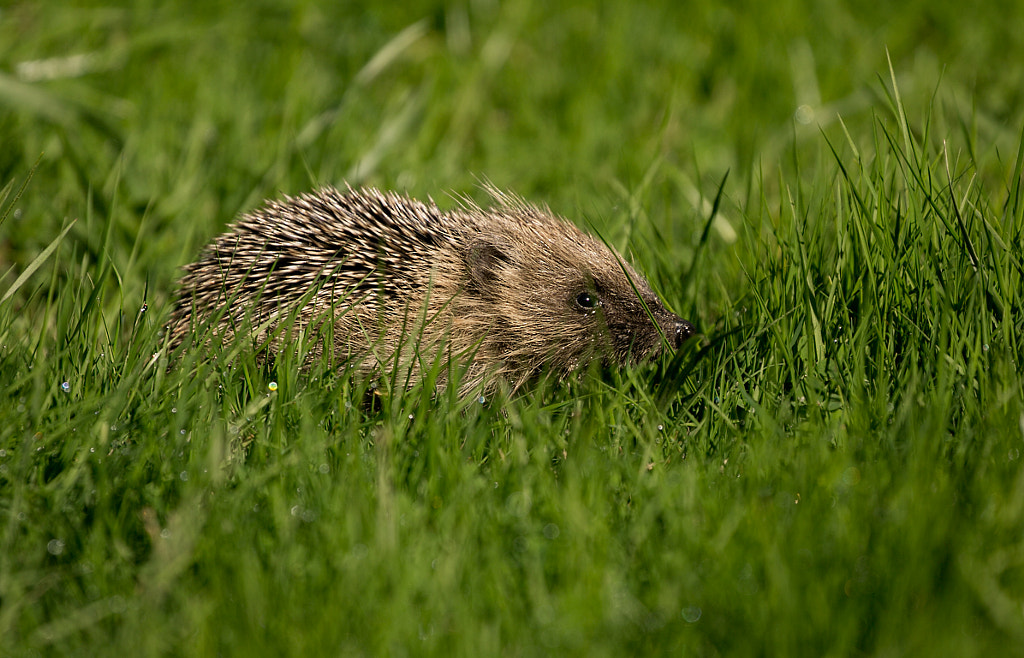
Highlight the link and press the IMG button, and that will put tags around the URL, so it will now look like this [ img ]https://drscdn.500px.org/photo/12364971 ... 0369fe2732[ /img ] (but without spaces in the tags). Once that's done, publish the post like normal and the image will be embedded in your post, Like this.


Image

rockfish
Posts: 72
Joined: Tue Jul 13, 2021 7:56 am
Location: Saone et Loire
Contact:

Re: Posting Photos

#2 Post by rockfish »

Thanks Charlotte. Does that save you bandwidth rather than posting the image as an attachment? If so it would be a better way perhaps.

User avatar
Char
Site Admin
Posts: 2949
Joined: Mon Jul 19, 2021 1:24 pm
Location: Creuse

Re: Posting Photos

#3 Post by Char »

rockfish wrote: Sat Jul 24, 2021 1:44 pm Thanks Charlotte. Does that save you bandwidth rather than posting the image as an attachment? If so it would be a better way perhaps.
Hi rockfish, :D
Yep, it saves bandwidth but I shan't insist on posting photos this way though as I don't want to discourage people from sharing their photos with us all.

But it's an option for those who have already uploaded the photos elsewhere and maybe easier for them to link to the picture rather than going through the process of uploading as an attachment here.

User avatar
RobertArthur
Posts: 2639
Joined: Sat Jul 17, 2021 3:10 pm
Location: Nièvre

Re: Posting Photos

#4 Post by RobertArthur »

There are several photo websites making life easier. I default to a German site, called Picr.de Reliable, fast, resizing on autopilot so always a perfect fit for publication on forums or just resizing to please email servers with only an url in the text message and not an overload of attachments.

Department technicalities, translated from their website where you have to register:

" One click opens or closes the options. The default setting is already perfect in 99% of cases and ideal for online forums. Select size and output format as usual. If you want to upload an extremely large number of images in one go, option two is ideal, as you then only copy thumbnails to the forum that can be loaded quickly and the reader can enlarge those that interest him. For auctions, the last option. Use keywords to find images more quickly later. This way you can easily reuse or quickly delete images. Allowed image formats: gif, jpeg, pdf and png.
Each image may be a maximum of 36 megapixels in size. The old file size limit of 24 megapixels was lifted at the beginning of 2020. The number is arbitrary. "

User avatar
Oldblueraincoat
Posts: 708
Joined: Sat Jul 17, 2021 4:51 pm
Location: Sud-Gironde

Re: Editing out cables

#5 Post by Oldblueraincoat »

In our part of France telephone and electrical cables are often above ground and can get in the way of some lovely shots - yesterday was a good example:
IMG_6417-01_Easy-Resize.com.jpg
The only way l've found to edit them out is by using the 'healing' tool on "Snapseed" but it takes ages and can be a bit hit and miss - here's the result:
IMG_6417-01-01_Easy-Resize.com.jpg
Can anybody recommend an effective way of doing this save for taking pictures with no cables in 😆
You do not have the required permissions to view the files attached to this post.

rockfish
Posts: 72
Joined: Tue Jul 13, 2021 7:56 am
Location: Saone et Loire
Contact:

Re: Posting Photos

#6 Post by rockfish »

A cloning tool would take the hard work out of it but there are several fiddly bits that would need care I think. For example the large dark cloud on the left could be done in one click, most of the right hand cloud, leaving just the steeple to fiddle with.

User avatar
Oldblueraincoat
Posts: 708
Joined: Sat Jul 17, 2021 4:51 pm
Location: Sud-Gironde

Re: Posting Photos

#7 Post by Oldblueraincoat »

rockfish wrote: Sun Jul 25, 2021 11:52 am A cloning tool would take the hard work out of it but there are several fiddly bits that would need care I think. For example the large dark cloud on the left could be done in one click, most of the right hand cloud, leaving just the steeple to fiddle with.
Thanks Rockfish - can you recommend a cloning tool?

User avatar
Char
Site Admin
Posts: 2949
Joined: Mon Jul 19, 2021 1:24 pm
Location: Creuse

Re: Posting Photos

#8 Post by Char »

I've had a play with it - I hope you don't mind - if you do let me know and I'll delete it.
edit-edit1.jpg
You do not have the required permissions to view the files attached to this post.

User avatar
Blaze
Posts: 5425
Joined: Mon Jul 12, 2021 9:06 pm
Location: Ille et Villaine (35)

Re: Posting Photos

#9 Post by Blaze »

Oldblueraincoat wrote: Sun Jul 25, 2021 12:42 pm
rockfish wrote: Sun Jul 25, 2021 11:52 am A cloning tool would take the hard work out of it but there are several fiddly bits that would need care I think. For example the large dark cloud on the left could be done in one click, most of the right hand cloud, leaving just the steeple to fiddle with.
Thanks Rockfish - can you recommend a cloning tool?
Gimp is a free photoshop-type software. It works very well though I rarely use it. You can use the cloning tool on there, and there are tutorials on Youtube.
https://www.gimp.org/downloads/

User avatar
Oldblueraincoat
Posts: 708
Joined: Sat Jul 17, 2021 4:51 pm
Location: Sud-Gironde

Re: Posting Photos

#10 Post by Oldblueraincoat »

Not at all Char - It's those pixels between the sky and the steeple that prove problematic - thank you for giving it a go - the result is pretty good 😊

Post Reply